
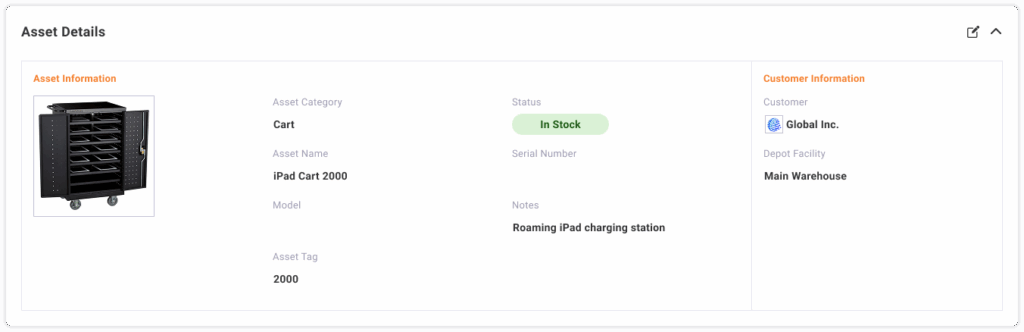
All of the information about an asset is displayed on the Asset Detail page. From this detail page you can review and update the following information:
- Asset Information
- Financial Information
- Assignments: review the history of assignments for this asset
- Tickets: review the history of tickets related to this asset
Asset Information
View and edit the information entered when creating the asset as well as additional fields such as Status and Notes.
Asset Financial Information
View and edit financial information for additional tracking of the asset.

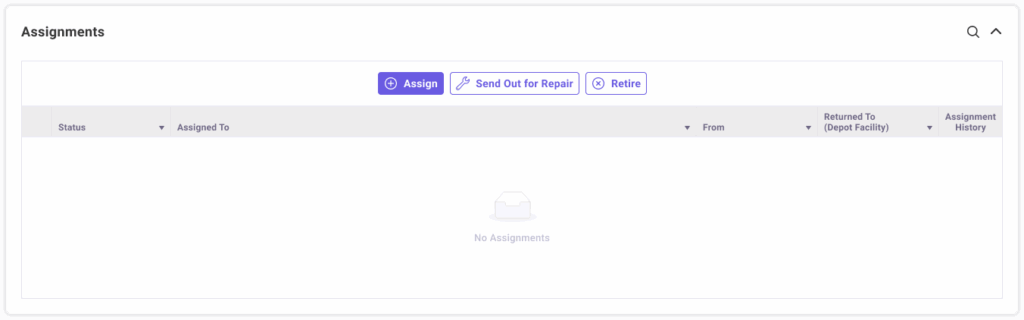
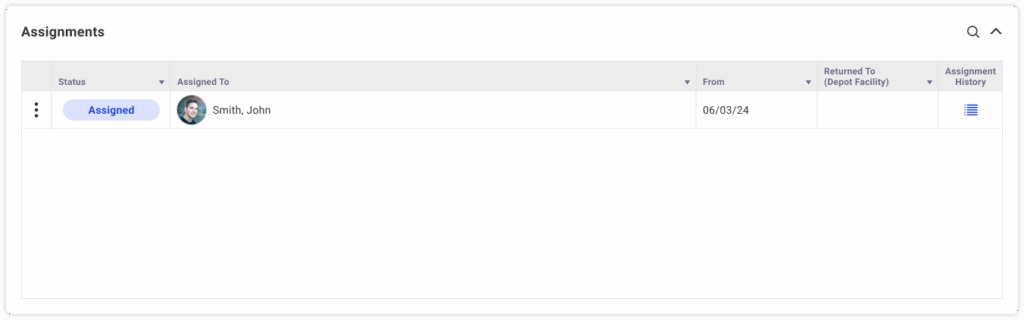
Asset Assignments
Take action on the asset to Assign, Send out for Repair or Retire an in-stock asset. These actions can be found as buttons when inventory is available as well as on the action menu for returned assets. Additional actions available for any assigned asset, take the actions of Return or marking the asset as Lost are found on the action menu.
Assigning Assets
- Select an Assignment Type
- End User
- Asset
- Service Location
- Select the Assign To
- Assign to an End User
- Assign to an Asset
- Assign to Service Location
- Select an Assignment Date
- If the Assignment Type is End User
- Select if Shipping is required and fill out shipping details
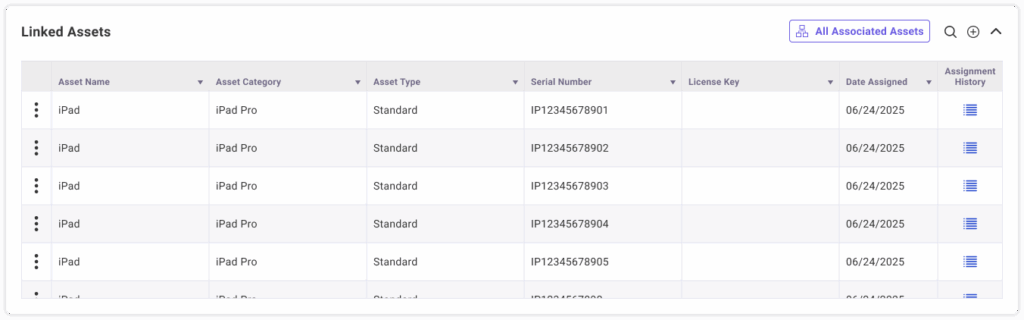
Linked Assets (for Standard Assets only)
View all assets that are assigned to this asset. Select the All Associated Assets button to view a tree view of Linked Assets (which are assigned to this asset) as well as their Linked Assets. Only Standard Assets can have other assets assigned to them which is why this section only appears on Standard Assets.
Linking Assets
- Search and select an Asset to assign to this asset.
Tickets
Track all tickets that include this asset.