
Overview
Within the Customer profile screen, the first set of content is the Customer Details card. On this card you can manage the basic information regarding a customer.
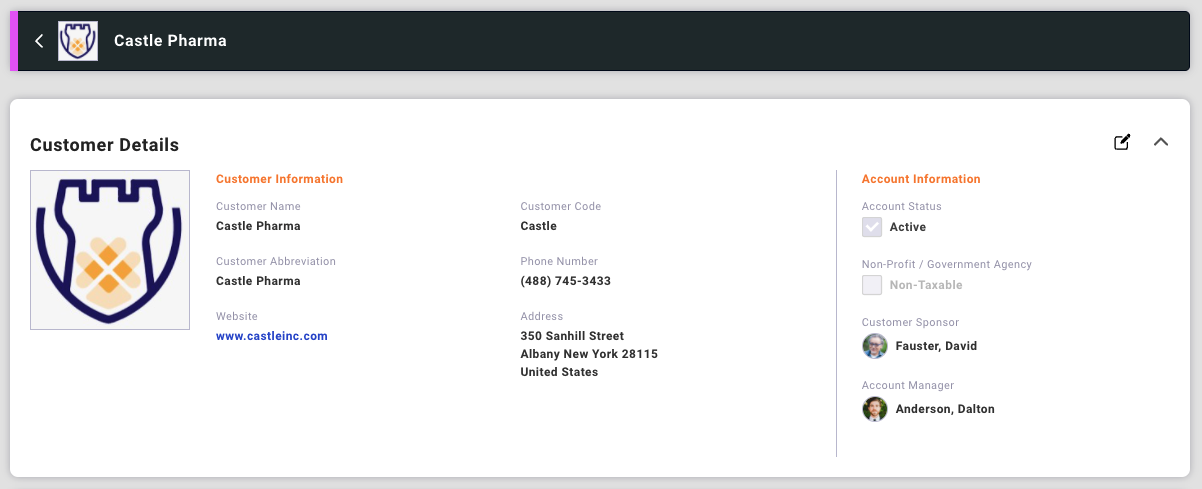
Editing Customer Details
The Customer Details card is displayed as read-only by default. Selecting the edit icon allows you to modify and save the information on this card.
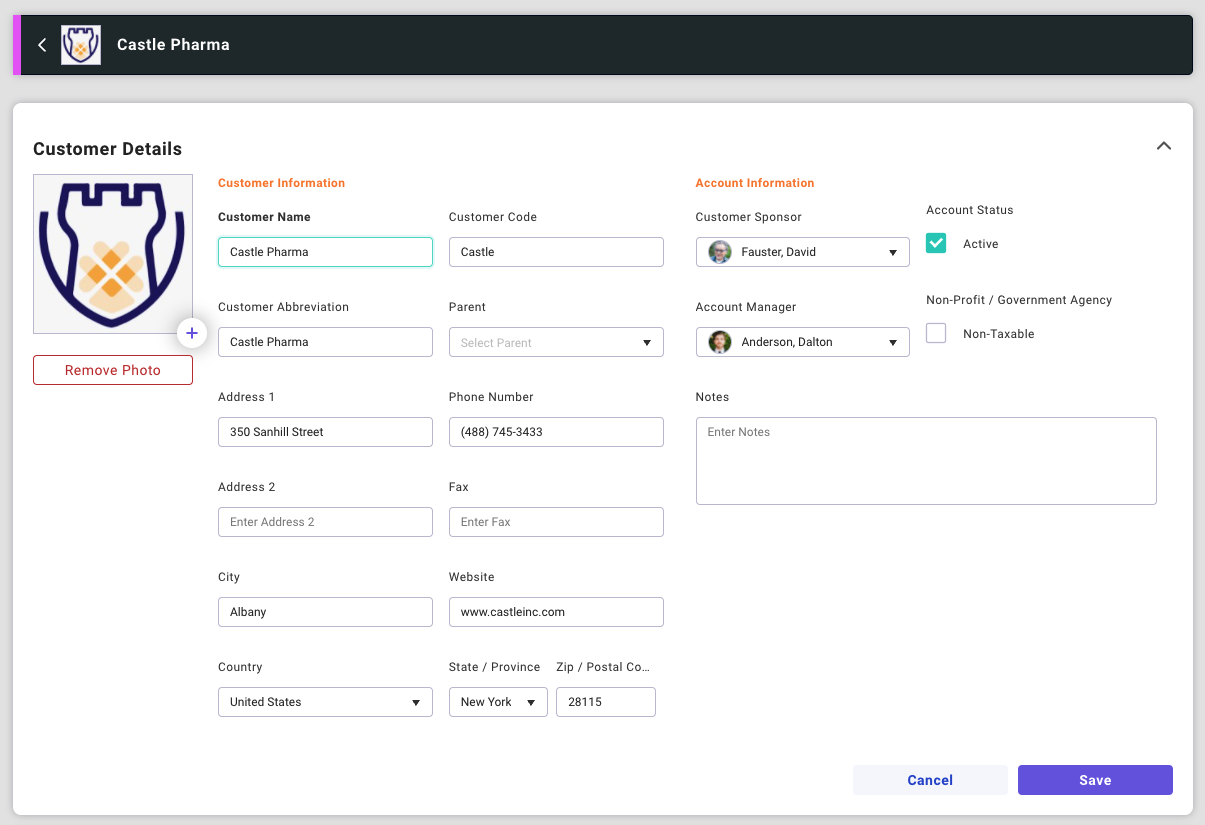
Required fields are in BOLD.
- Customer Name
- Customer Abbreviation
- Used within Startly when the view is tight on space and displays the abbreviation instead of the full Customer Name.
- Status
- Active customers are available for use, and are displayed in the drop-down lists within the application.