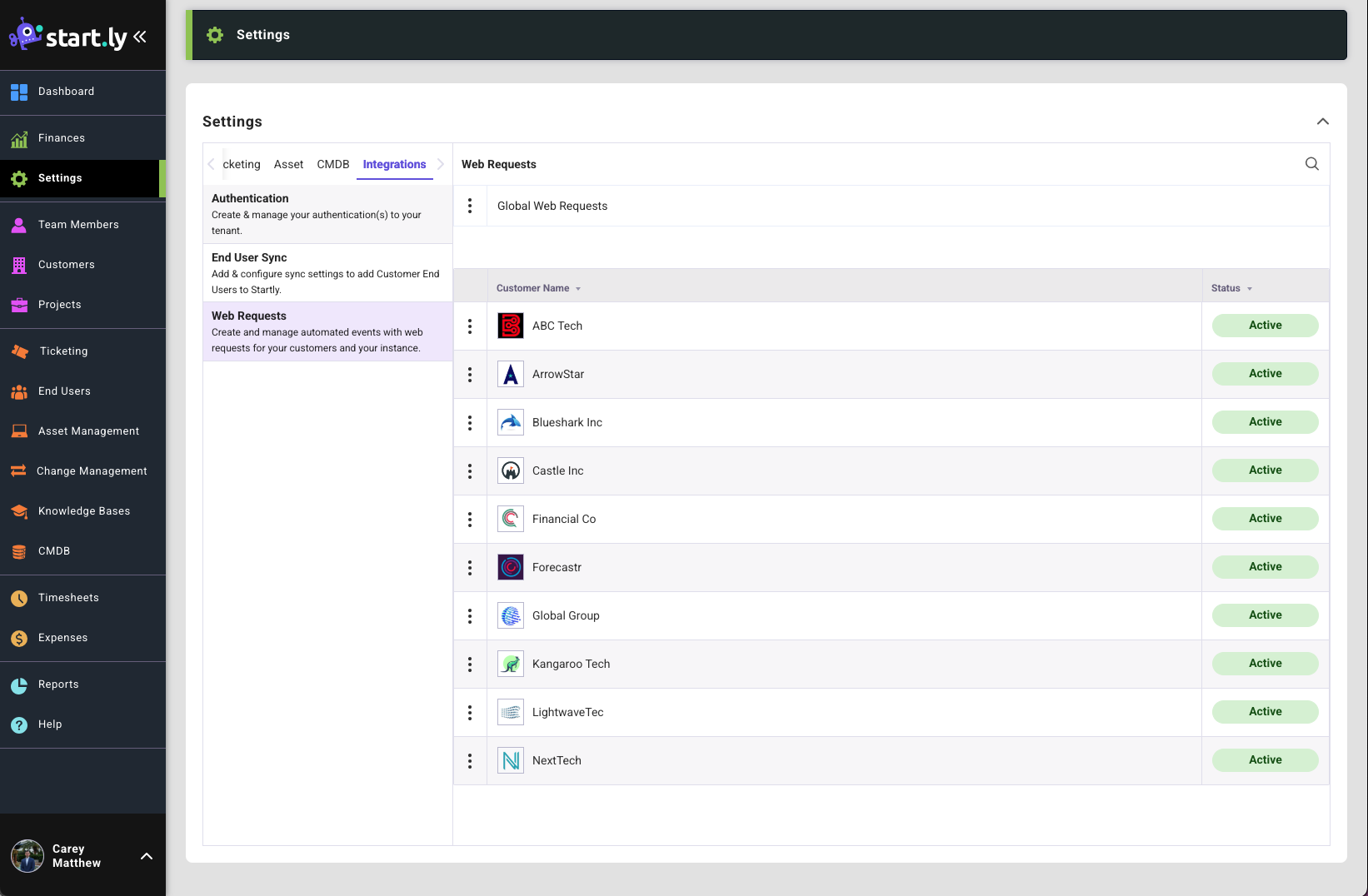
Web Requests allow Startly to communicate with external applications in real-time to automate support tasks. Create Web Requests Globally or for a specific Customer that fire when a trigger event occurs in Startly.
Web Request Setting View
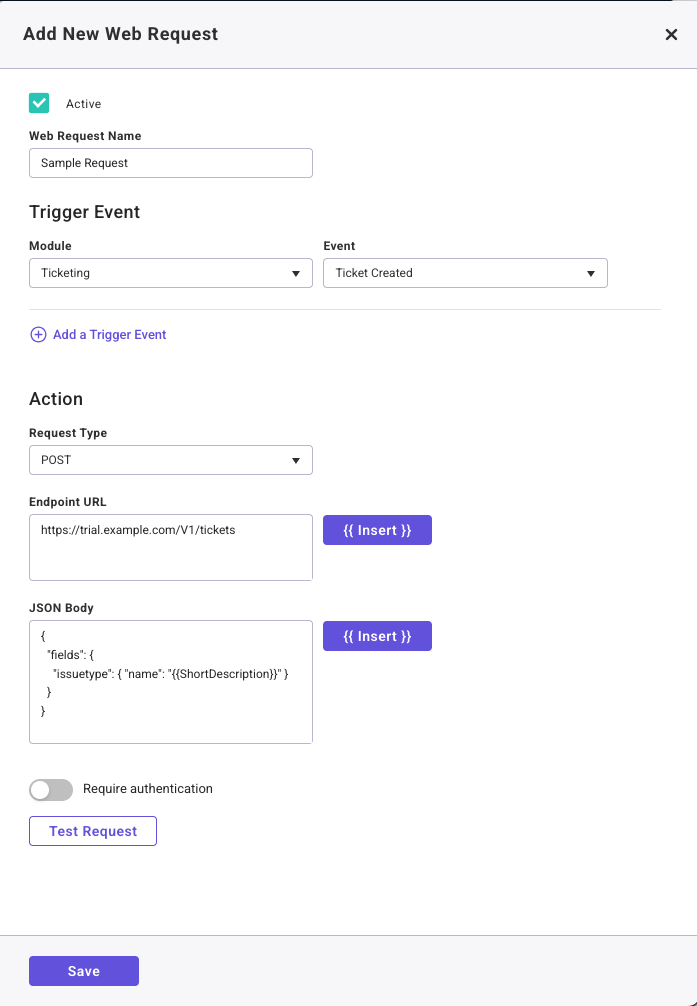
Add New Web Request
Make the request active and provide a name for the request.
Trigger Event:
- The Trigger Event is made up of a module (where in Startly the event occurs) and the Event (when the request will fire)
Request Types:
- POST: Used to create something elsewhere.
- GET: Used to fetch information.
- PUT: Used to update existing records.
- DELETE: Used to remove a record from the server.
Endpoint URL
- An endpoint URL is the specific address on a server where a web request is sent to access a particular resource or function.
- The endpoint url is made up of the root (e.g., https://api.example.com), the path (e.g., /folder/assets), Identifier/Parameter (e.g., /101 or ? color=red)
- User the Insert button to add elements from the ticket in Startly to your url string.
JSON Body
- When using the POST or PUT request type, JSON Body can be added.
- The JSON Body contains the actual data you want the server to process, store or act upon.
Require Authentication
- Basic: Sends a basic username and password with every request to identify the user.
- API Key: Sends a unique, long random string to identify the calling application.