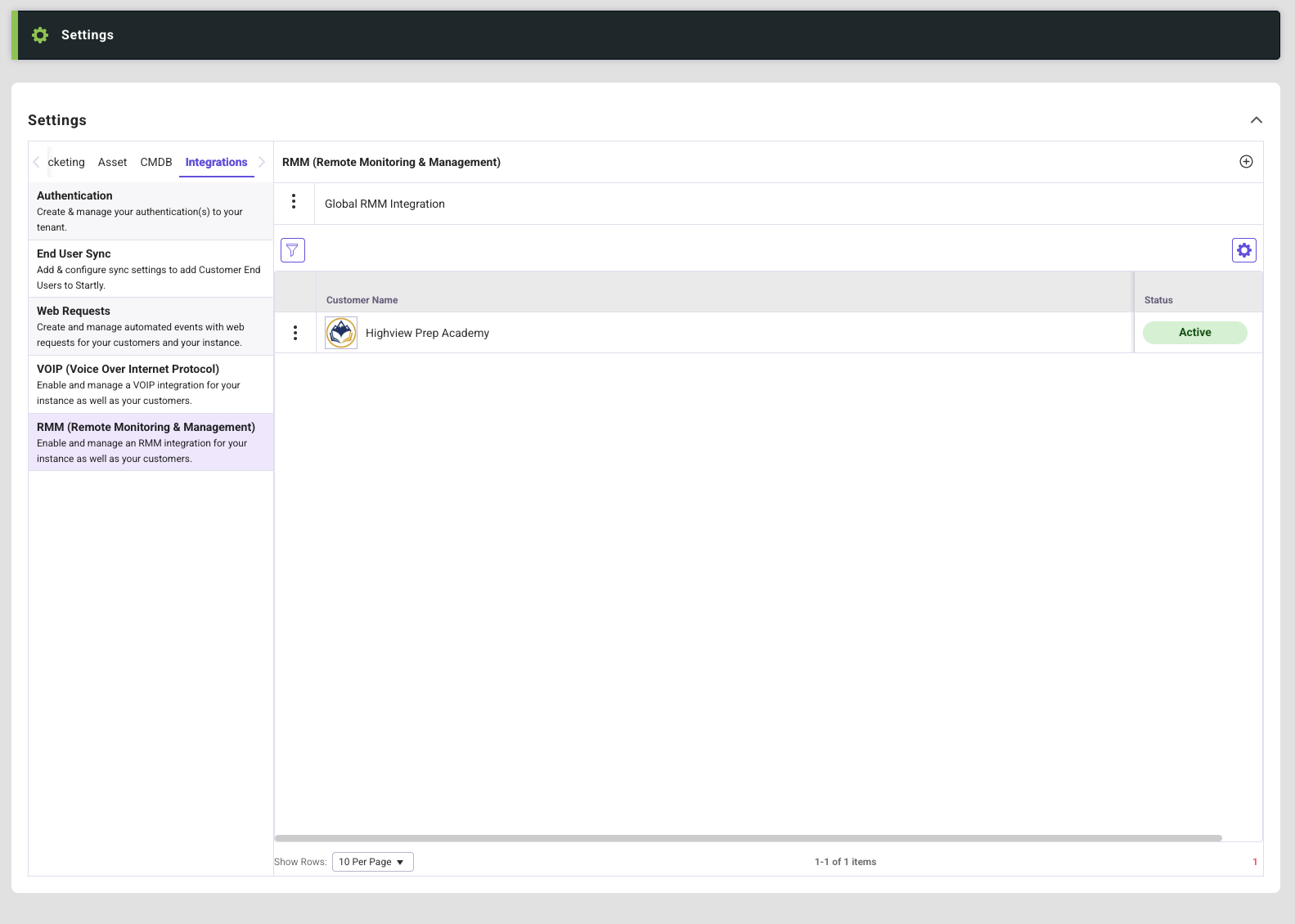
The RMM settings in Startly enable teams to configure remote access integrations for managing and supporting devices directly from within the platform. A global RMM configuration can be established to serve as the default across the entire Startly instance, ensuring consistent access for all customers. For greater flexibility, individual customers can also have their own dedicated RMM integrations, which will override the global configuration when present. Each integration is securely connected using an endpoint URL and API key, allowing teams to seamlessly initiate remote sessions and streamline device support workflows.
List
The list screen shows the Global RMM Integration as well as any Customers that currently have customer specific RMM Integrations created for use. The plus icon allows creation of a new RMM Integration for Customers. Selecting the more icon on the global line item will allow for management of the Global RMM Integration.
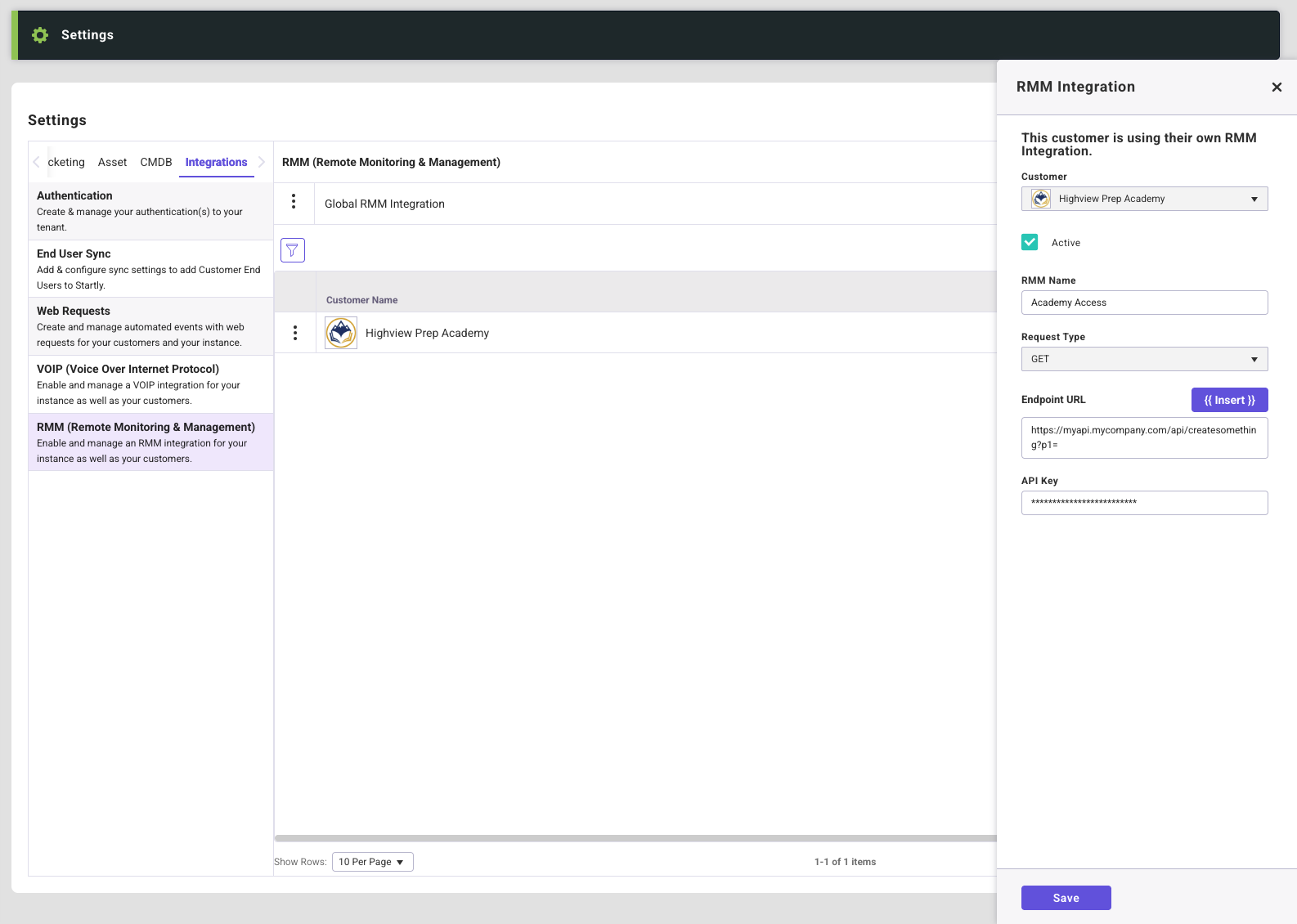
Manage RMM Integration (Global or Customer)
RMM Integration Fields:
- Active Checkbox
- by default this will be checked making it active. Unchecking the box will make this integration unavailable for that customer or globally.
- RMM Name
- Give the integration a name.
- Request Type
- For this integration the request type is pre-selected and inactive.
- Endpoint URL
- This URL tells Startly where to send the request. The URL allows Startly to reach the RMM Service and initiate a remote session.
- API Key
- The API Key is the secure credential that authenticates Startly and ensures authorized access or control of devices.